

Using Semaloop
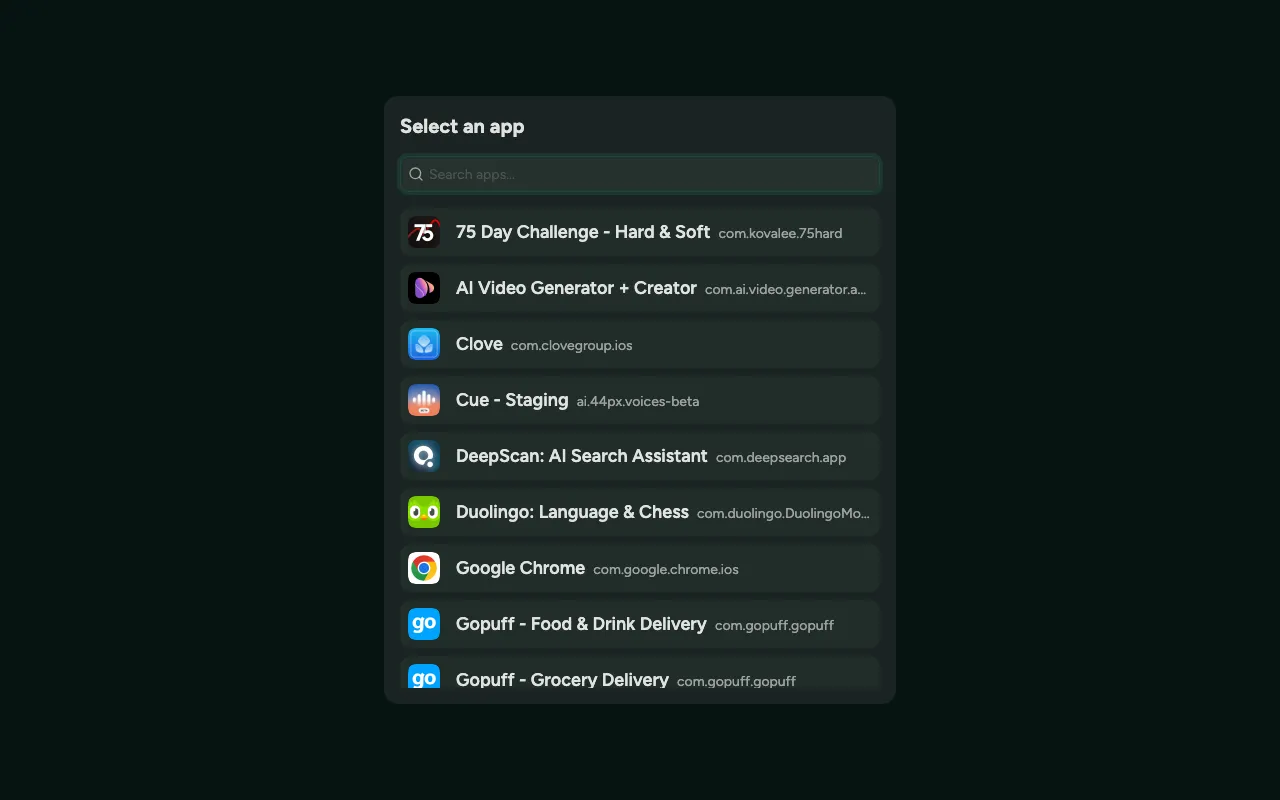
This guide walks you through the main parts of the platform so you know where to go and what to do from day one. You don’t need to read it all upfront — dip in as and when you need it.
Your dashboard of successful and failed tests. Pick a build to view its test results.
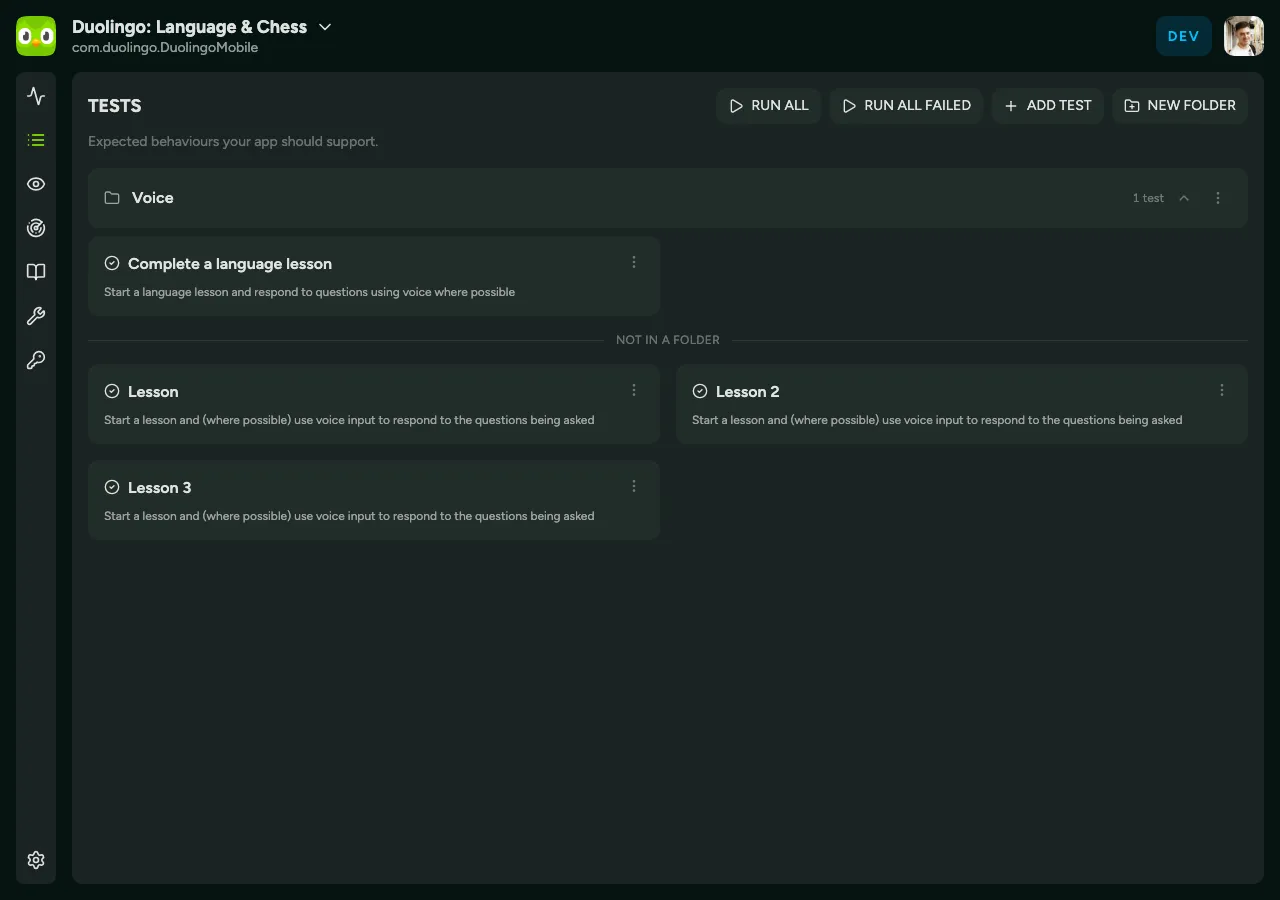
The expected behaviours your app should support. Each test is a short, goal-based description of something a user can do — see Writing tests for how to write ones that pass reliably.
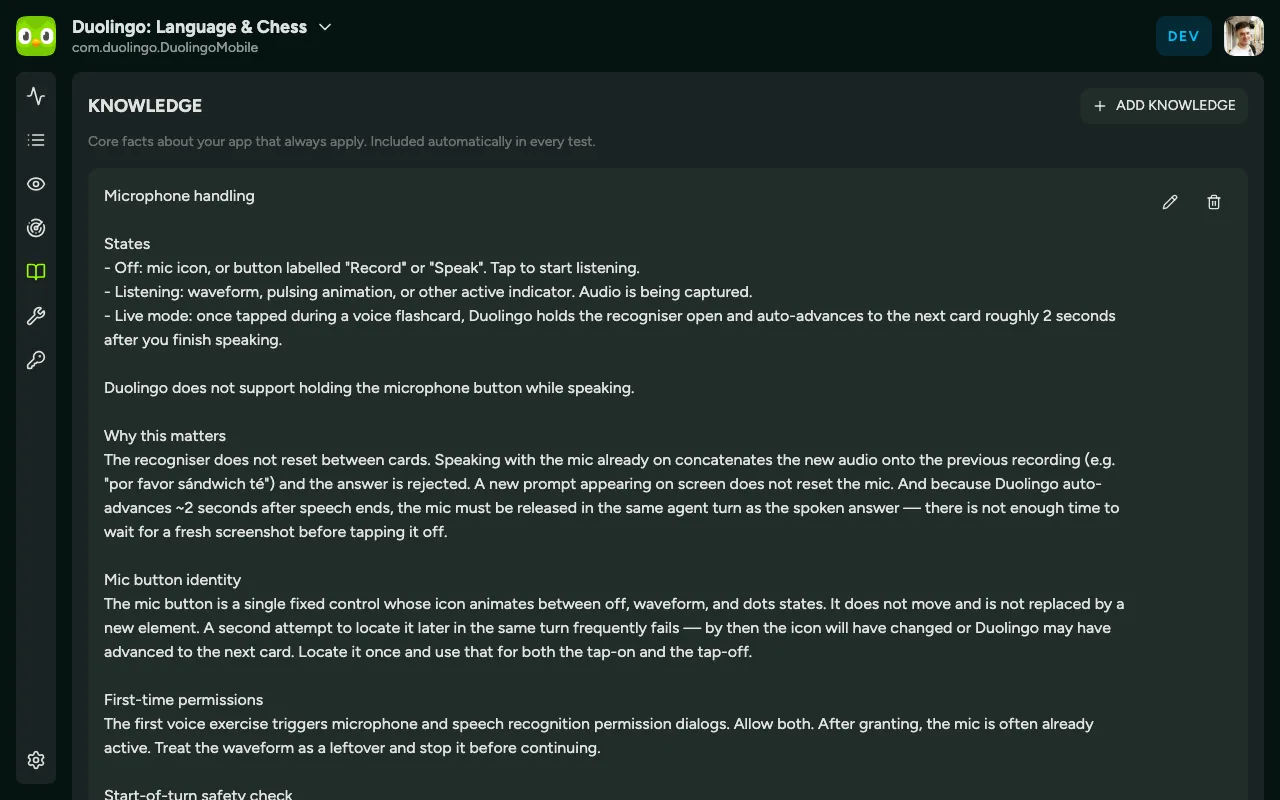
Knowledge
Section titled “Knowledge”Core facts about your app that always apply. Knowledge is included automatically in every test, so you don’t have to repeat shared context (like login details or how your app is structured) in each test spec.
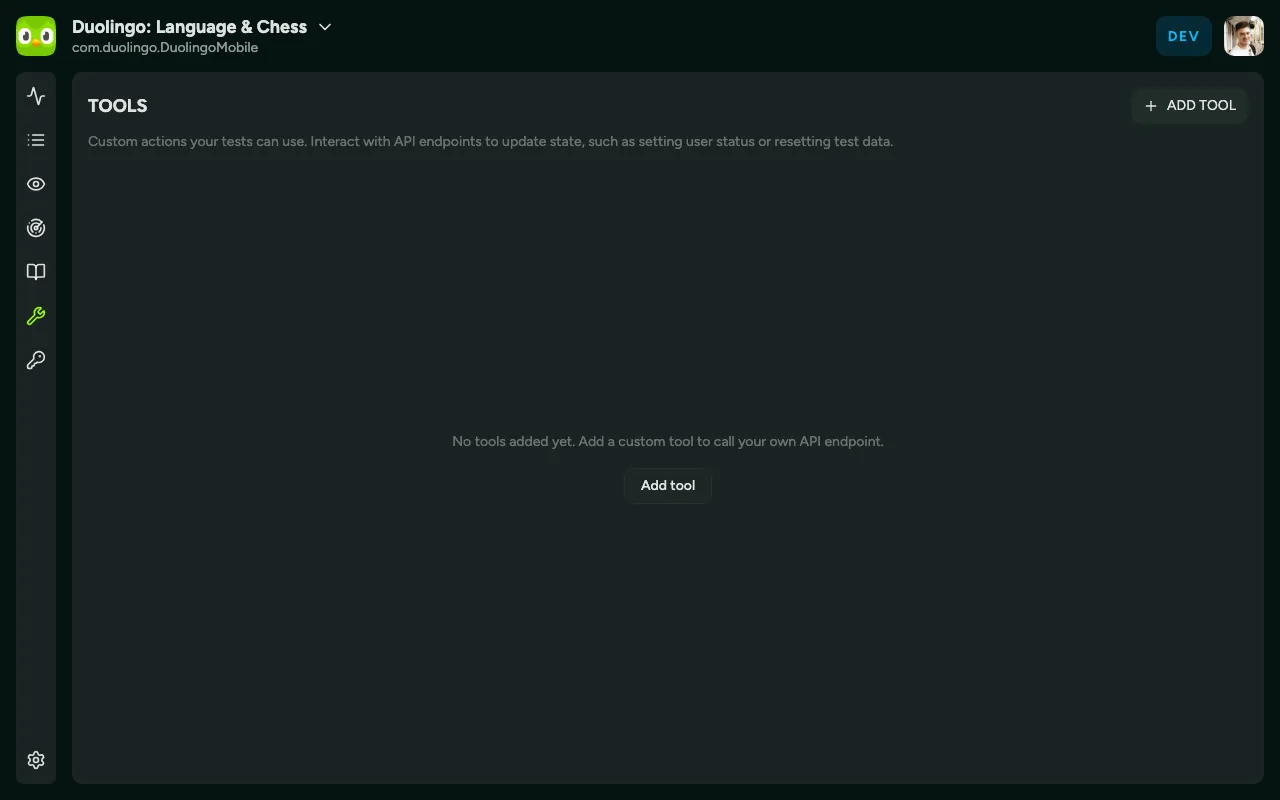
Custom actions your tests can use. Tools interact with API endpoints to update state — for example, setting a user’s status or resetting test data — so a test can start from a known place.
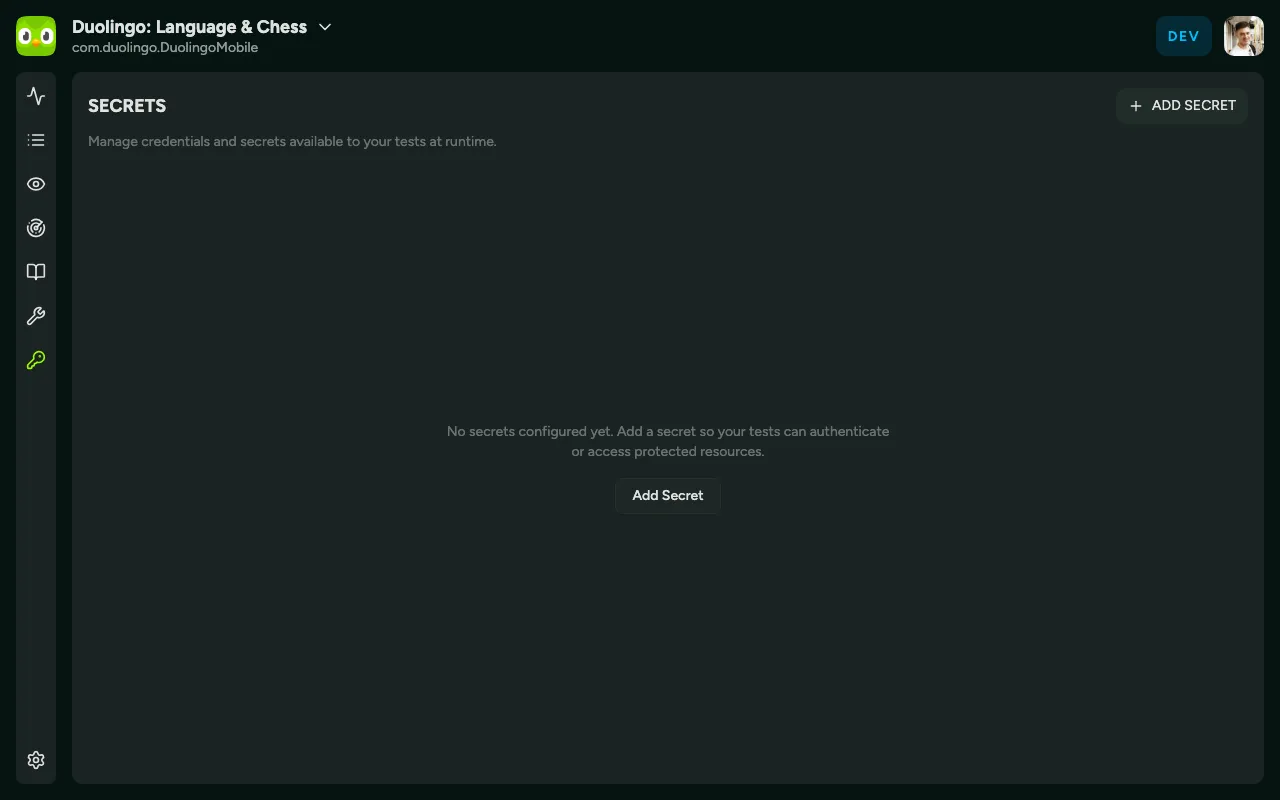
Secrets
Section titled “Secrets”Manage the credentials and secrets available to your tests at runtime, such as login passwords. Secrets are stored securely and referenced by your tests rather than written into them.
Settings
Section titled “Settings”Manage your Slack integration and API keys, and configure auto-running tests when a new build comes through TestFlight.