

Add your first app
Your apps live on the dashboard. This is where you’ll see every app under continuous test and the status of its most recent runs.
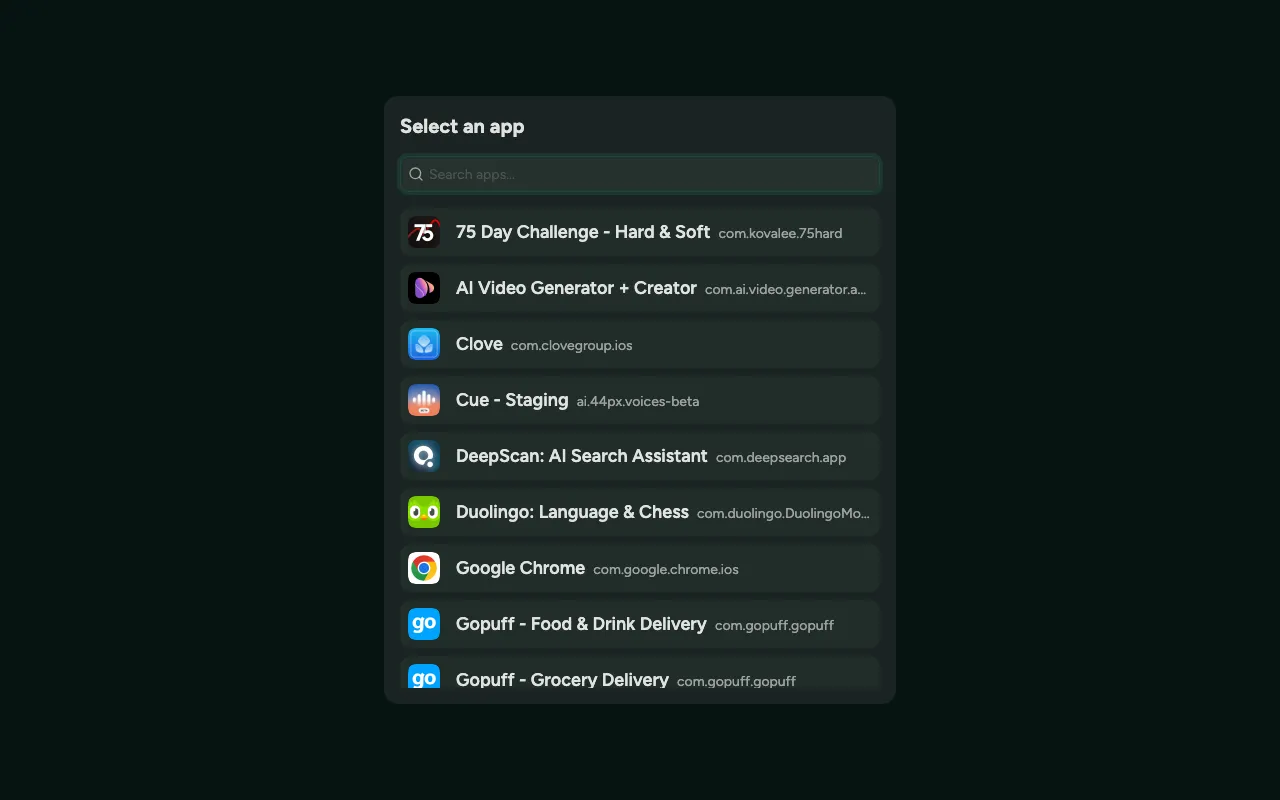
Add an app
Section titled “Add an app”- Click Add app.
- Paste your app’s public TestFlight link.
- Confirm the bundle identifier Semaloop detects.
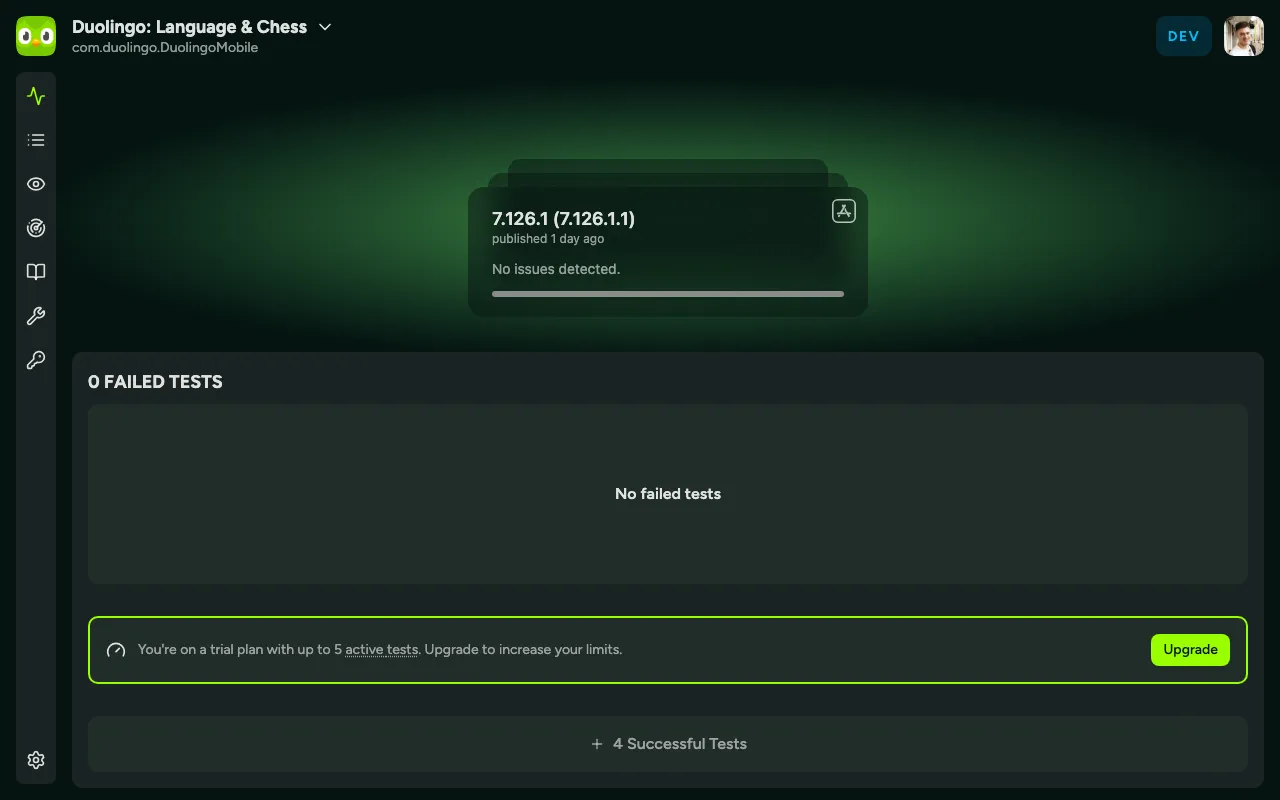
Once added, the app appears on your dashboard. Open it to see its builds and tests.
Invite the tester
Section titled “Invite the tester”For Semaloop to install and run your builds, add its automated tester account to your app’s TestFlight group. Until the tester is a member of the group it can’t download builds, so runs will stay pending.
What’s next
Section titled “What’s next”With your app connected, you’re ready to write your first test.