

Write your first test
Semaloop tests are written in plain English. You describe what should happen, and the platform works out how to drive your app to check it.
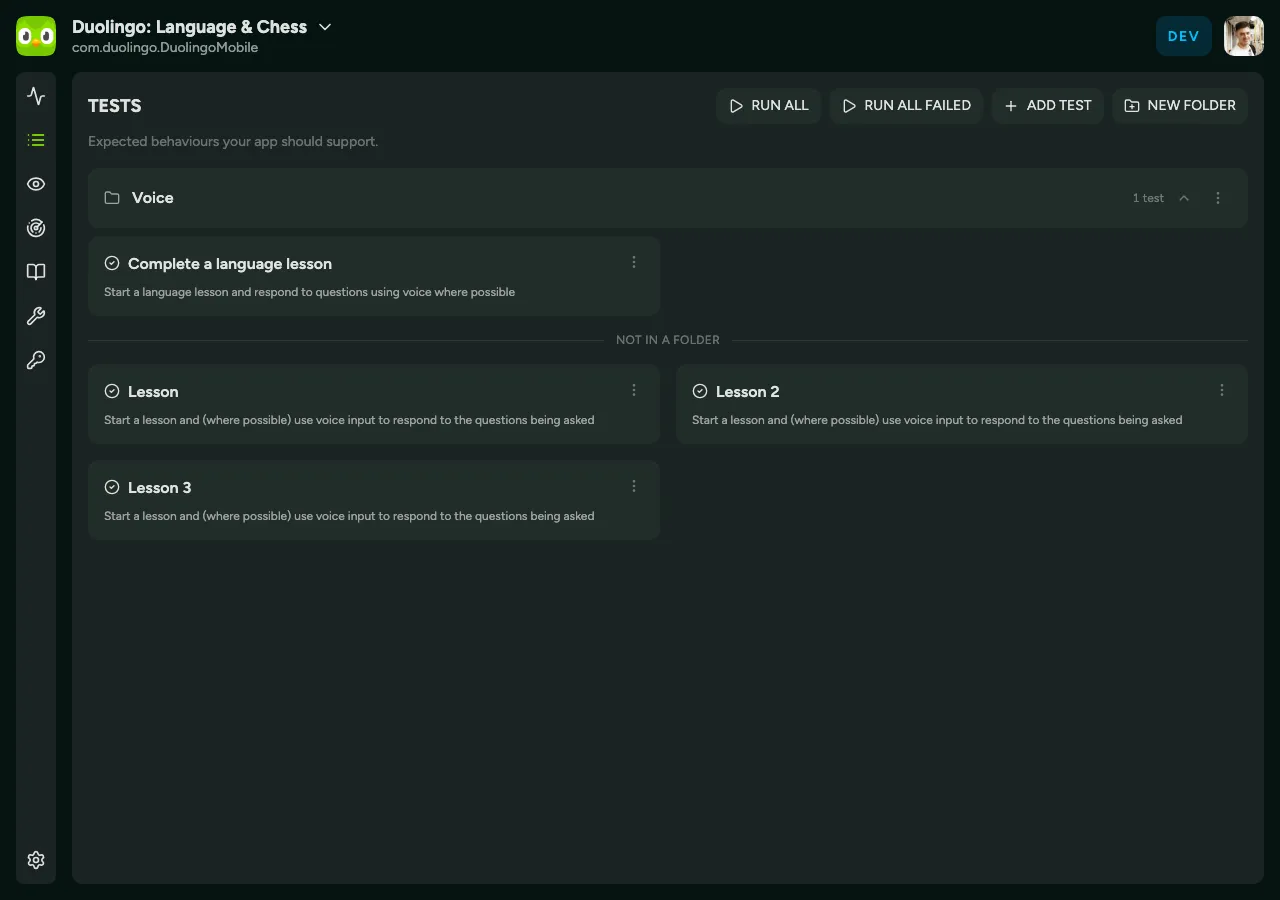
Describe the test
Section titled “Describe the test”Open your app and click New test, then write a short description of the behaviour you want to guarantee. Good descriptions name a starting point, an action, and an expected result. For example:
From the home screen, tap Sign in, enter valid credentials, and confirm the account dashboard loads.
Run it
Section titled “Run it”Save the test and Semaloop runs it against your latest build straight away. From then on it runs automatically against every new build you ship through TestFlight — there’s nothing else to wire up.
What’s next
Section titled “What’s next”- See what a completed run looks like in Session replays.
- Learn what each outcome means in Test run statuses.